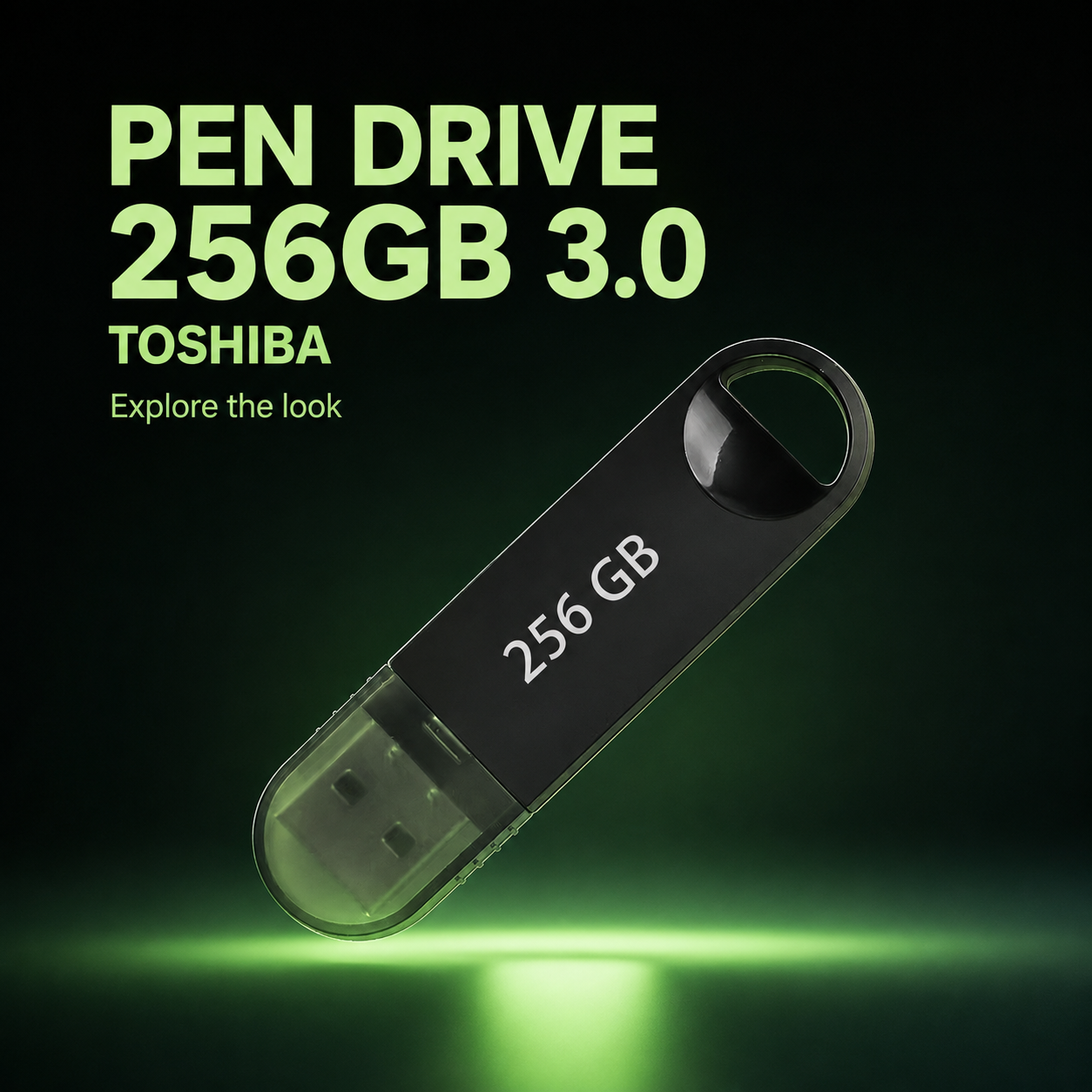
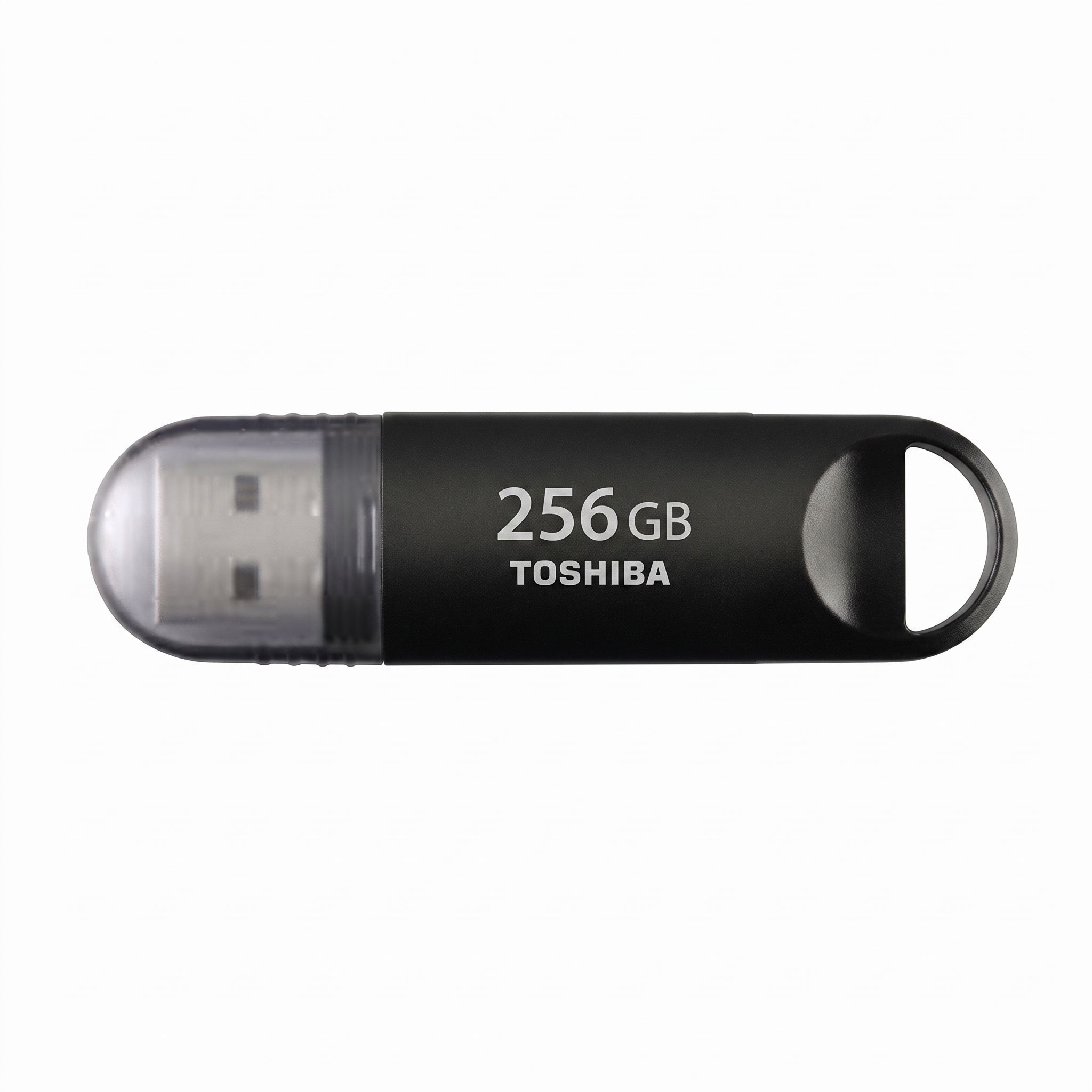
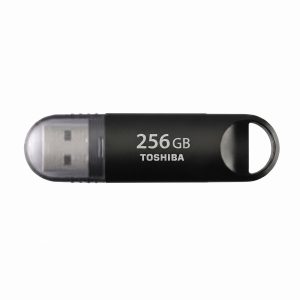
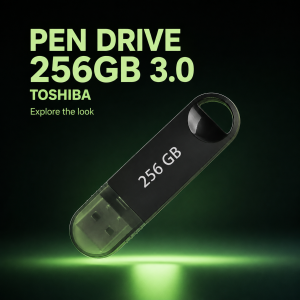
The PEN DRIVE 256GB 3.0 TOSHIBA is an ultra-reliable, high-performance external data storage solution designed to upgrade your daily document transfers, backup workflows, and media sharing configurations. Engineered with state-of-the-art memory technology, this compact pocket drive features SuperSpeed connectivity and a high-density NAND flash layout. This allows the system to deliver crisp, responsive file reading speeds instantly, minimizing your data backup configuration downtime and keeping you highly productive when it matters most.
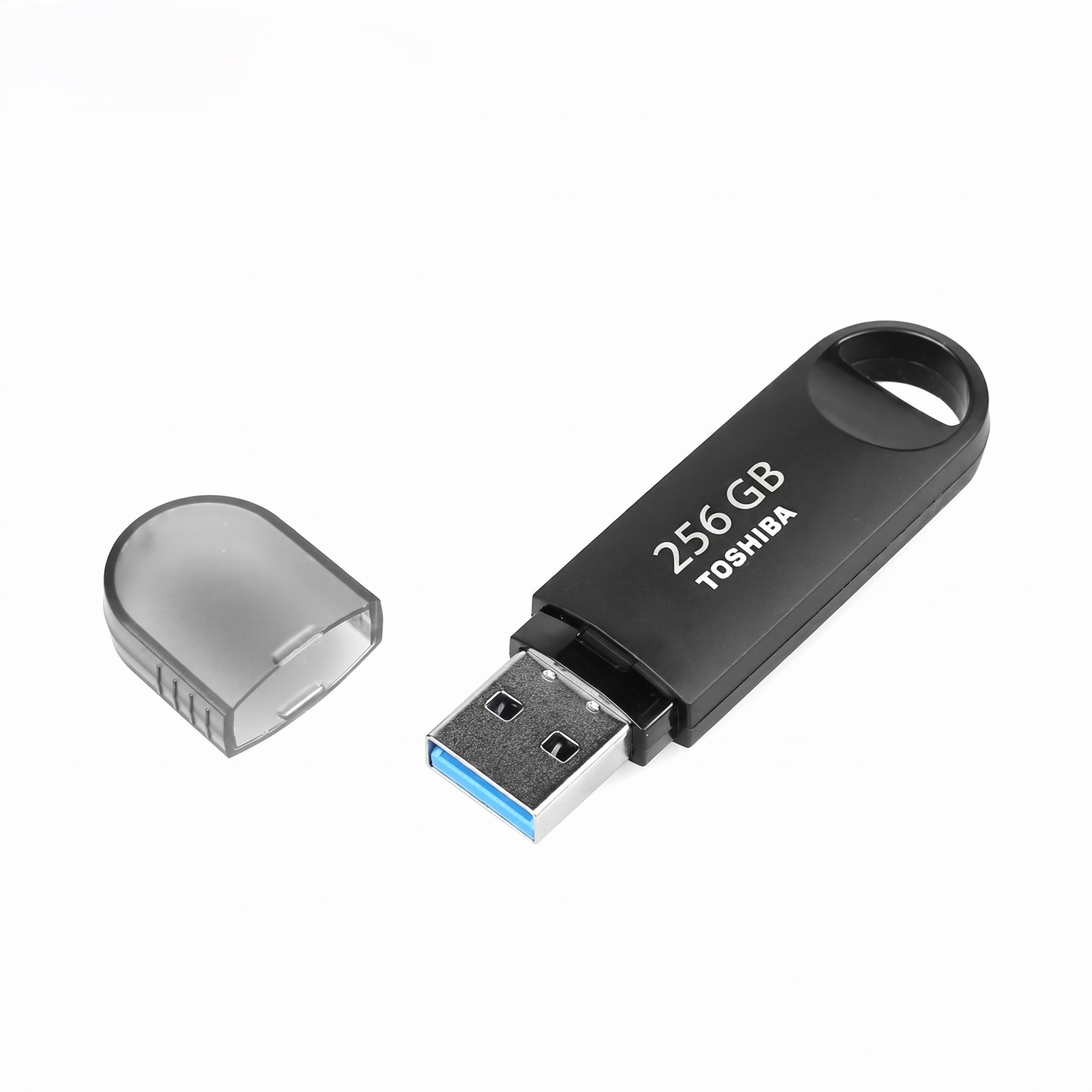
Encased in a durable, shock-resistant impact chassis, the PEN DRIVE 256GB 3.0 TOSHIBA runs smoothly across multiple platforms without requiring any external battery lines or configuration wires. It features extensive built-in driver compatibility along with a lightweight travel cap design. Built with premium solid storage components and advanced thermal resistance controllers, it ensures maximum stability and fluid data flows while handling large multi-gigabyte video libraries, administrative office backup files, or custom operating system recovery software tools.
PEN DRIVE 256GB 3.0 TOSHIBA Technical Specifications
* Model Designation: TransMemory U301 USB 3.0 Series
* Total Available Storage: 256GB High-Density Capacity
* Data Interface Layout: SuperSpeed USB 3.0 Standard (Backward compatible with USB 2.0 / 1.1)
* Maximum Performance Speed: Up to 150 MB/s Sequential Read Speed
* Onboard Storage Medium: High-quality NAND Flash Memory Core
* Default Out-of-Box Format: Pre-formatted exFAT (Re-formattable to NTFS / FAT32)
* Built-In Status Tracker: Integrated operational LED data activity indicator
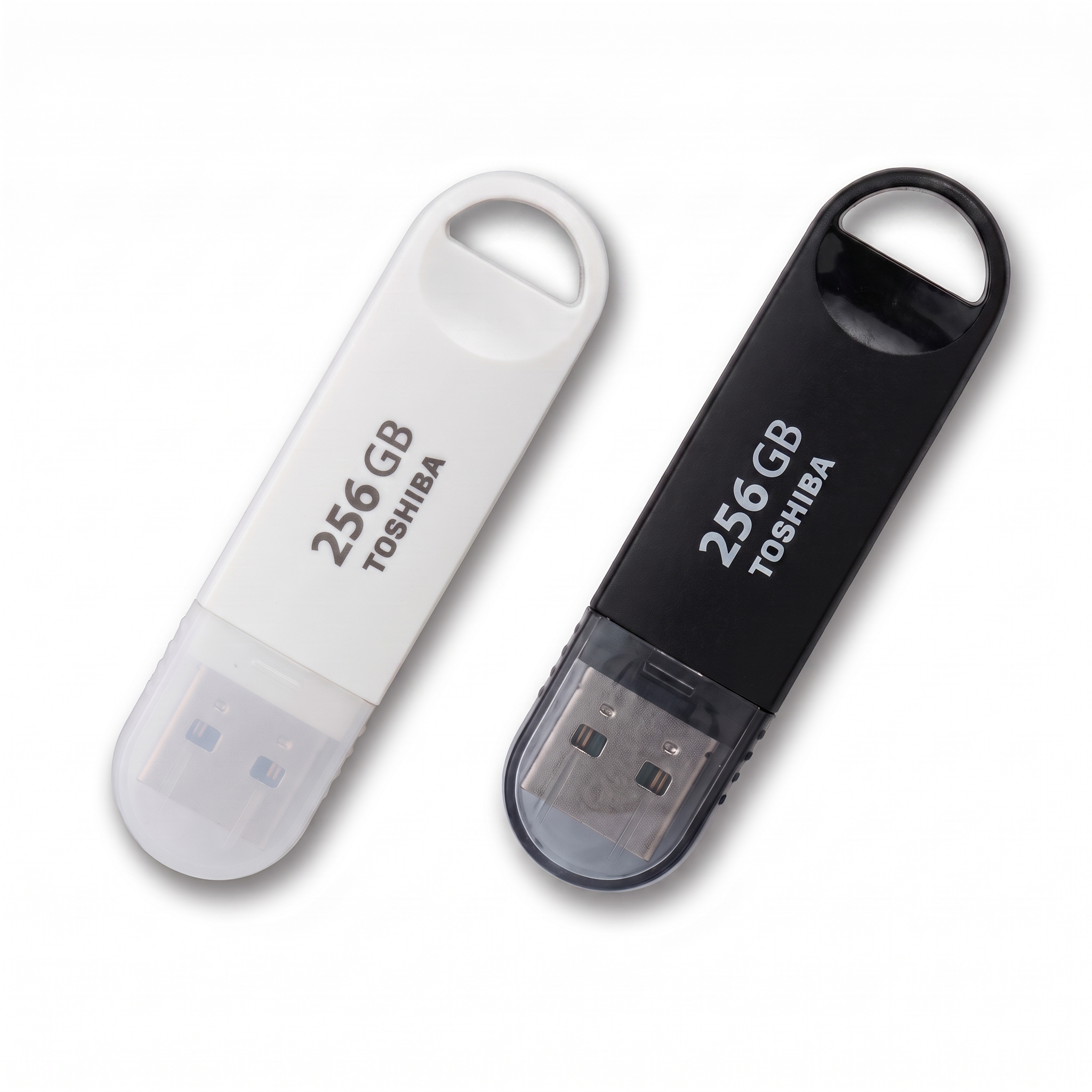
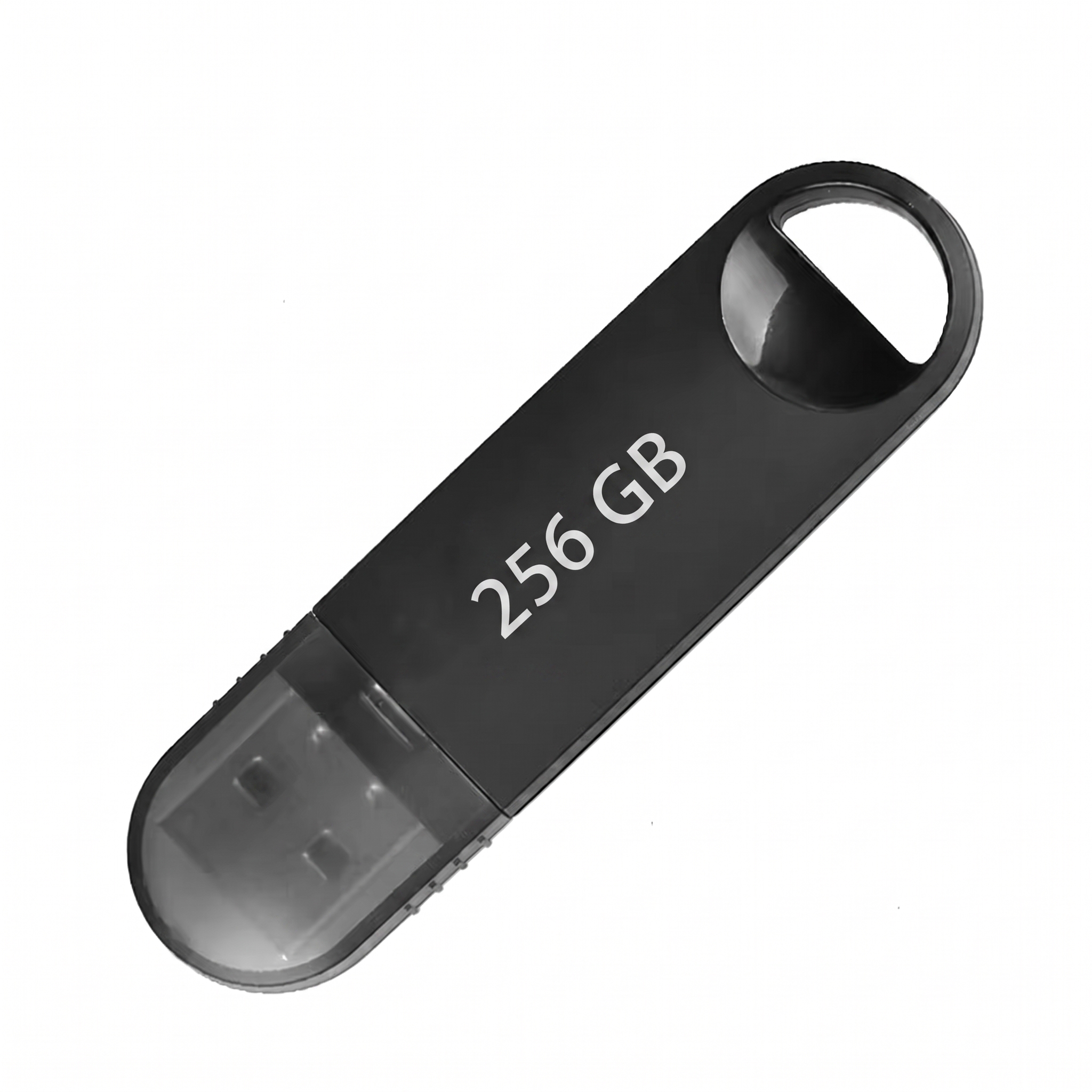
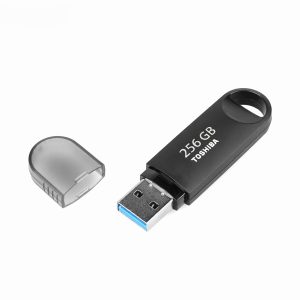
* Form Factor Profile: Ultra-compact, travel-friendly casing with keychain loop
* Build Material Protection: Shockproof, vibration-resistant impact polymer shell
* External Power Supply: Bus-powered directly via host USB connection terminal
* System OS Compatibility: Native support for Windows 11/10/8, macOS, and Linux kernels
* Official Reference Directory: <a href=”https://w3.org” target=”_blank” rel=”noopener”>PEN DRIVE 256GB 3.0 TOSHIBA Data Architecture Map</a>
### Why Choose the PEN DRIVE 256GB 3.0 TOSHIBA?
Investing in a dedicated mobile storage accessory like the PEN DRIVE 256GB 3.0 TOSHIBA ensures you never have to deal with the operational hassle of slow cloud uploading queues, network connection errors, or data buffer timeouts during critical travel hours. Whether you are backing up high-resolution corporate video files, moving sensitive media projects between home and office computing setups, or managing offline data installations at work, this storage unit provides the steady performance your environment demands. The clean, compact body design ensures it plugs effortlessly into any laptop, desktop PC, smart TV, or vehicle media console without blocking adjacent data ports.
Investing in a premium storage architecture also guarantees better archival longevity for your essential files. This drive features built-in multi-layered safety mechanisms that manage data sectors natively during high-speed write loops, preventing memory corruption or heating spikes. This makes the product the absolute gold standard choice for system administrators, multimedia videographers, and retail managers who require uncompromising mobile backup reliability on a daily basis.
### Frequently Asked Questions About the PEN DRIVE 256GB 3.0 TOSHIBA
**1. Is the PEN DRIVE 256GB 3.0 TOSHIBA compatible with USB 2.0 ports?**
Yes, this storage accessory is fully backward compatible with older legacy USB 2.0 and USB 1.1 hardware slots, meaning it will work seamlessly on older laptop and desktop models.
**2. Does this drive require external software drivers to work?**
No, it features a completely automated driver-free plug-and-play setup. It is instantly recognized by your system layout the moment you insert it into an active connection port.
**3. What is the default file format out of the box?**
It comes pre-formatted in the exFAT file system format, making it ready to use across both Windows and macOS platforms immediately without manual reformatting.





 PREMIUM PEN DRIVE 256GB 3.0 TO...
Reviews
There are no reviews yet.